When the Screen Speaks Too: How to Coordinate Dubbing with On-Screen Text, Graphics, and Visual Instructions
- ⏰ October-27-2026 |
- ✍️ By Admin |
- 🏷️ In Dubbing
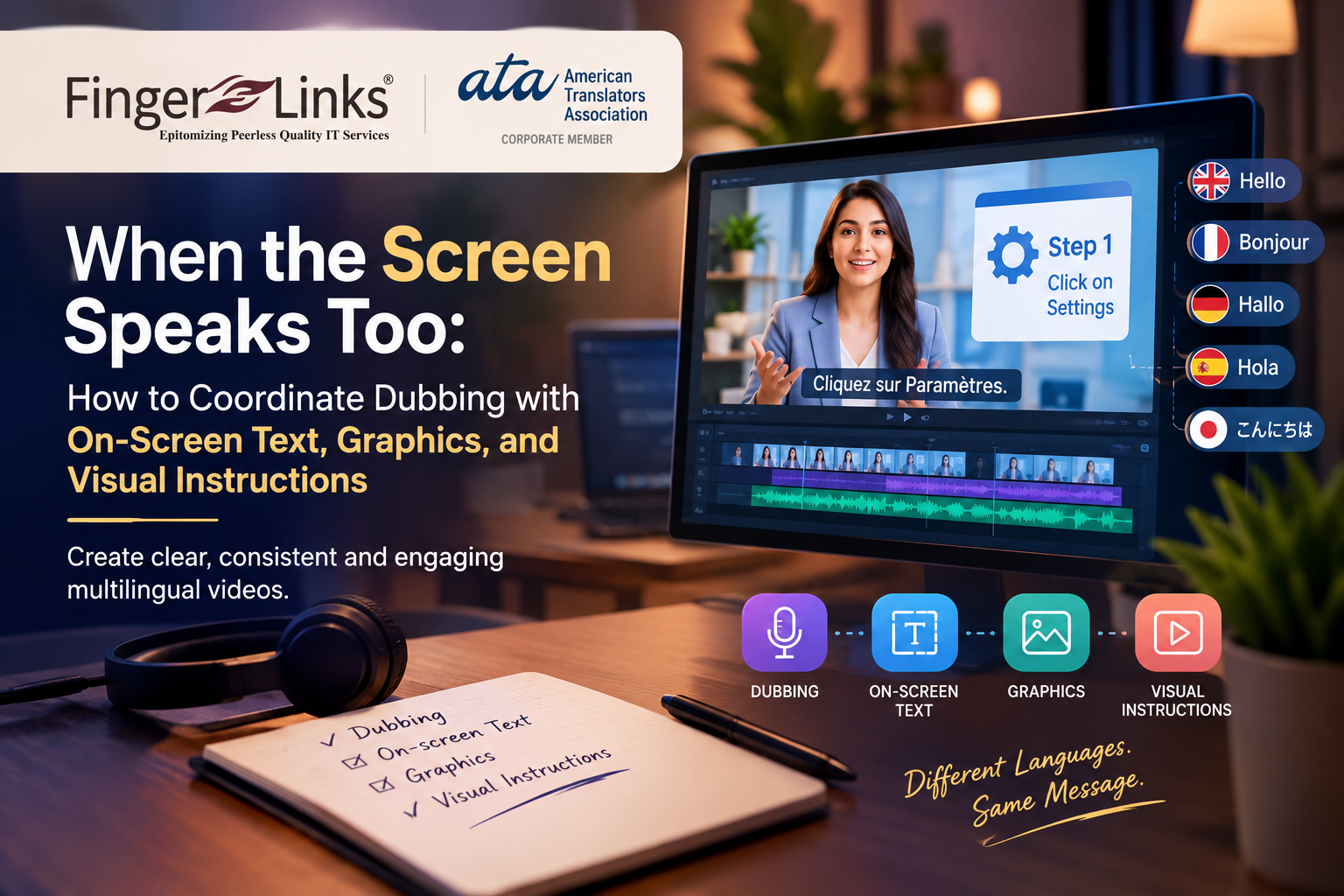
Dubbing a video into another language involves more than replacing the original dialogue with a translated voice track. Viewers also rely on the information presented visually, including on-screen text, animated graphics, product labels, charts, interface buttons, and step-by-step instructions. When the spoken language changes but the visual content remains unchanged, the viewing experience can become confusing or inconsistent.
For businesses creating multilingual training videos, product demonstrations, corporate presentations, educational content, and software tutorials, coordinating dubbed audio with visual elements is an important part of effective localization.
Why On-Screen Content Matters in Dubbing
Visual elements often communicate essential information that supports the spoken dialogue. A narrator may explain how to complete a task while the screen displays the relevant button, menu, diagram, or instruction. If the narration is translated but the displayed text remains in the original language, viewers may struggle to follow the explanation.
Successful dubbing considers both what audiences hear and what they see. Maintaining consistency between these elements helps preserve the original message and makes localized content easier to understand.
Common Challenges in Coordinating Dubbing and Visual Elements
1. Untranslated On-Screen Text
Titles, captions, product labels, and instructional messages may remain in the source language after the voice track has been dubbed. This can reduce accessibility and make important information difficult to understand for the target audience.
2. Differences in Text Length
Translated phrases may be longer or shorter than the original text. A button label, heading, or animated title may no longer fit within its original space. Localization teams must consider text length, layout limitations, and readability when adapting these elements.
3. Timing Conflicts Between Dialogue and Graphics
Animated text and visual instructions often appear at specific moments. If the dubbed dialogue has a different duration from the original speech, important visual information may appear too early or disappear before the narration finishes.
4. Product Demonstrations and Software Interfaces
Videos demonstrating applications, websites, or digital products frequently show menus, buttons, commands, and navigation instructions. If the narration refers to a translated button name while the screen displays the original label, viewers may find it difficult to follow the demonstration.
5. Cultural and Regional Differences
Numbers, dates, units of measurement, currency formats, symbols, and examples may need adaptation for the intended market. These changes should remain consistent with the spoken explanation and the visual presentation.
Best Practices for Coordinating Dubbing with On-Screen Text
Review the Complete Video Before Recording
Examine the video, script, graphics, and existing text before starting the dubbing process. Identify which visual elements require translation, replacement, redesign, or no changes at all.
Create a Visual Localization Reference
Prepare a reference document listing on-screen text, timestamps, corresponding dialogue, translation requirements, and editing instructions. This helps translators, voice artists, and video editors work from consistent information.
Synchronize Dialogue with Visual Events
Coordinate the dubbed narration with the appearance of titles, demonstrations, animations, and instructions. Adjust voice timing or edit the visuals when necessary, while preserving the intended meaning and natural delivery.
Adapt Graphics for the Target Language
Consider text expansion, font support, readability, screen space, and the visual hierarchy of the original design. Avoid simply placing translated text over existing graphics without checking alignment and presentation.
Maintain Consistent Terminology
Use the same translated terms for product features, interface elements, technical concepts, and instructions throughout the video. Consistency between spoken dialogue and visible labels is particularly important for training and instructional content.
Quality Assurance for Multilingual Videos
A final review should assess the dubbed audio and the visual presentation together. Reviewers should verify that the spoken instructions match the displayed content, translated graphics are accurate, text remains readable, and visual transitions align with the narration.
Particular attention should be given to product names, interface labels, technical terms, measurements, and step-by-step demonstrations. A video may have excellent voice recording quality but still confuse viewers if its on-screen information contradicts the dubbed dialogue.
Whenever possible, reviewers familiar with the target language should evaluate the complete localized video rather than checking the audio and graphics separately.
The Role of Professional Dubbing and Localization Services
Professional dubbing requires coordination between translation, voice recording, audio editing, video production, and quality assurance. When visual localization is included in the workflow, businesses can deliver a more consistent experience across different languages and markets.
At FingerLinks Infotech, multilingual language services can support organizations seeking to communicate their content to international audiences. Coordinating translated dialogue with visual elements helps businesses maintain clarity, consistency, and professionalism across their localized video content.
Conclusion
When dubbing and on-screen content are treated as separate tasks, viewers may encounter conflicting instructions, untranslated graphics, or poorly timed visual information. A coordinated localization workflow helps ensure that the spoken message and the screen communicate the same meaning.
By reviewing visual content early, adapting graphics carefully, synchronizing dialogue with on-screen events, and conducting integrated quality checks, businesses can produce multilingual videos that are easier to follow and more effective for their intended audiences.